Centralize Your Data In Google Sheets
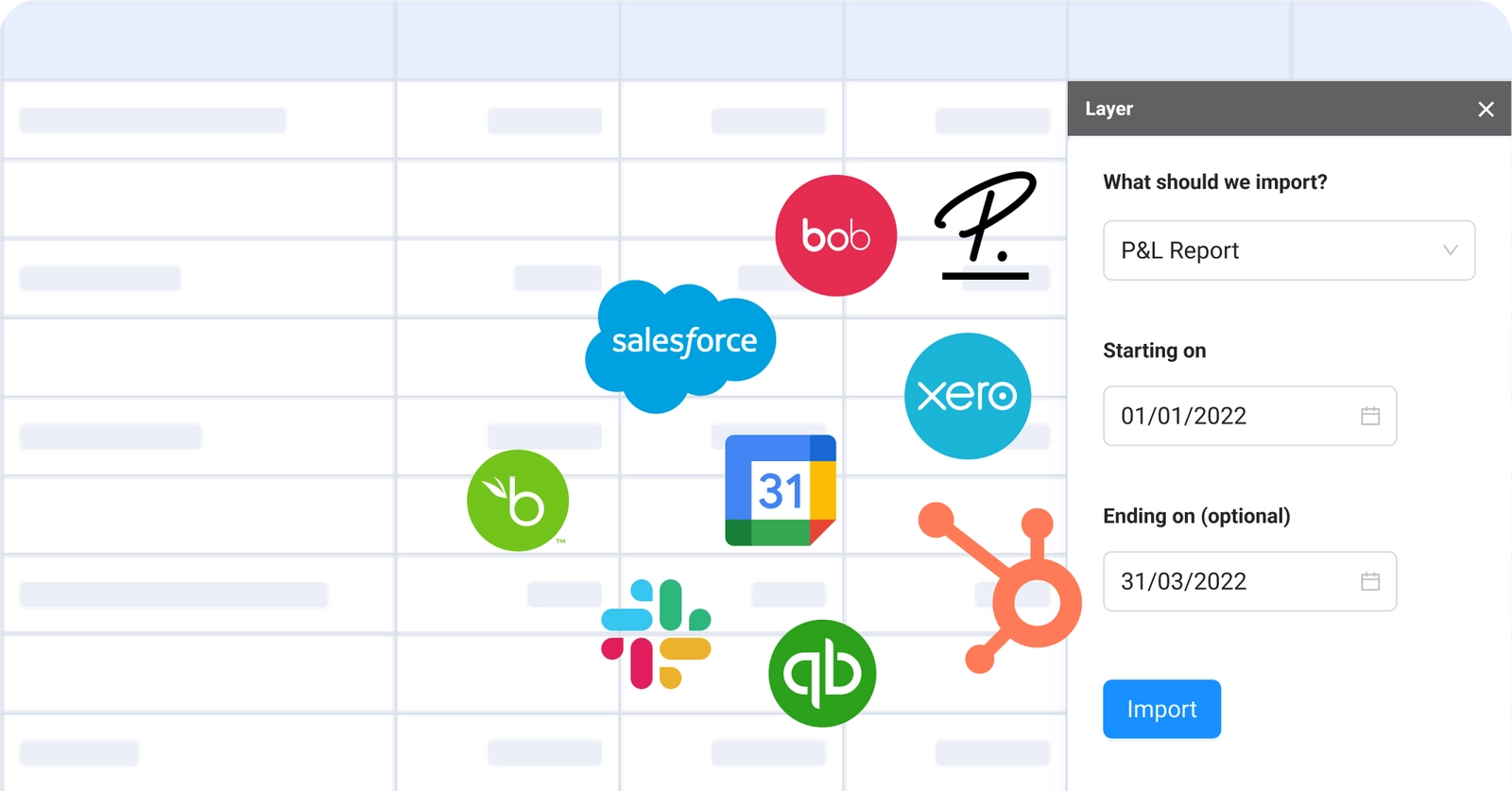
Blend and sync all your scattered numbers and metrics in one place by connecting your spreadsheet to your tech stack, giving you a timely, holistic view of your data.
Blend Data From Multiple Sources
Retrieve data from your favorite tools directly into your sheets and to make sense of your data. No more copying and pasting!
Automate Data Pulling
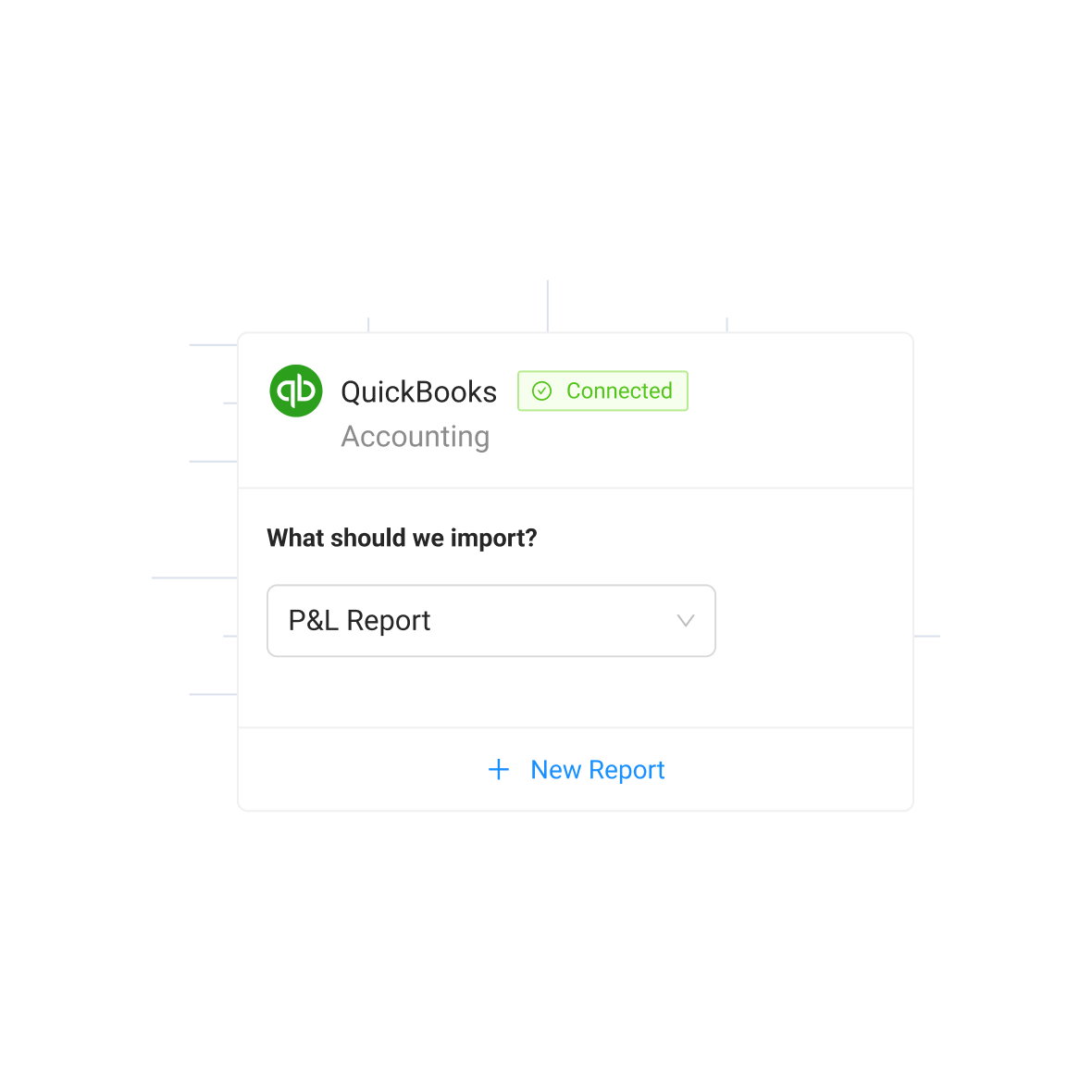
Schedule data transfers and manage your live data in one place at all times, without the need to provide collaborators with access to the different tools.
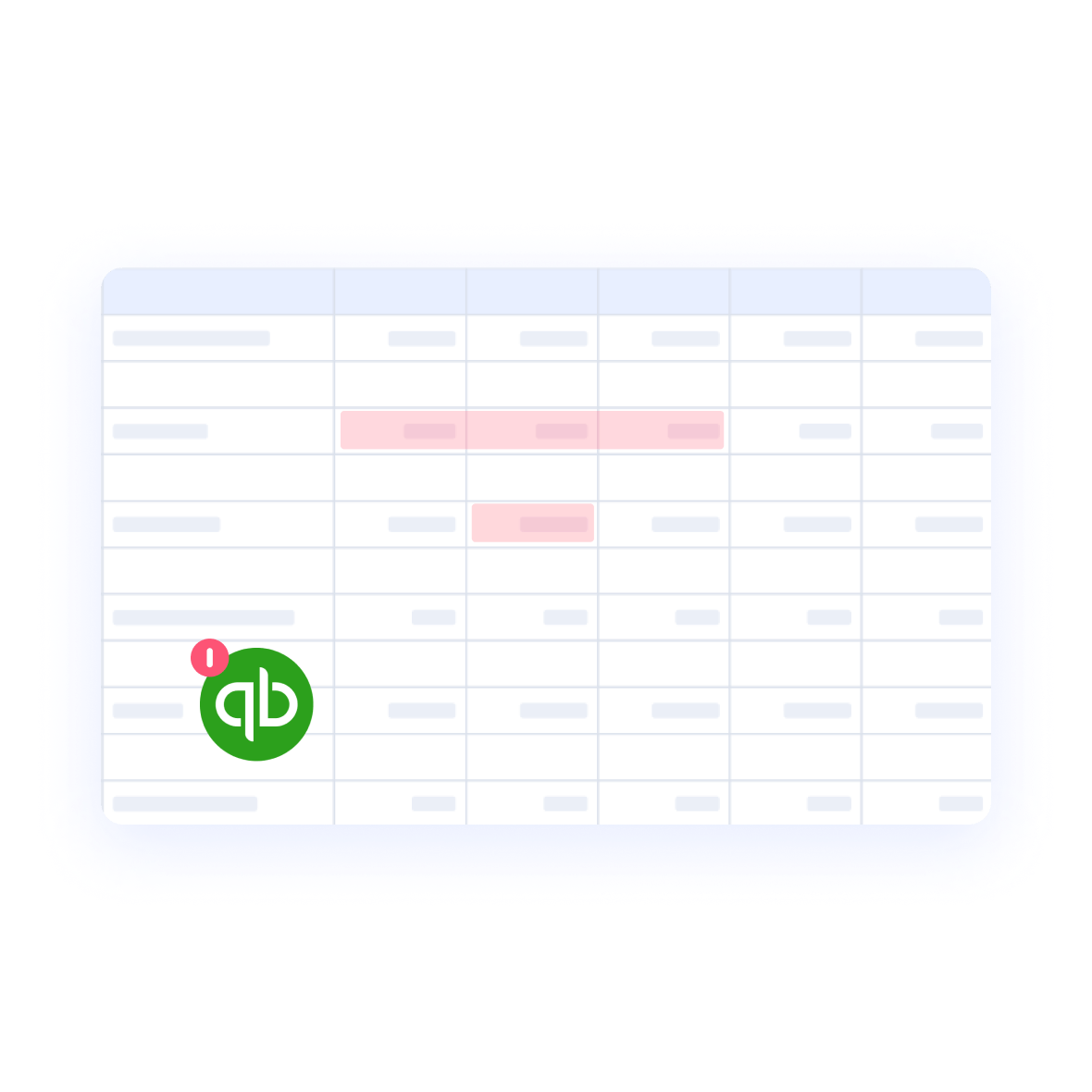
Double-Check Your Data
Improve and gain confidence in data quality with customized checks that compare pulled data with line items in your spreadsheet and highlight unexpected or noteworthy changes.
Explore Our Integrations
Want to See It in Action?
All Your Data.A Single Source of Truth.
Layer is an add-on that equips teams with the tools
to increase the efficiency and data quality in their processes on top of Google Sheets.
Share parts of your Google Sheets, monitor, review and approve changes,
and sync data from different sources – all within seconds.

Share & Collaborate
Centralize your financial data collection and validation with granular sharing, giving you more control over your data.

Automate & Schedule
Schedule recurring data consolidation and distribution tasks, giving you more time to focus on what matters—driving growth.

Visualize & Report
Generate and share reports with real-time data, turning your financial data into meaningful insights and ensuring alignment.
“Layer changed collaboration projects in Excel from a dreadful, error-prone task into projects, which run themselves and thereby leaves more time for indulging in data analysis.”

Frederic Röper
Head of Finance

Get Started in Minutes!
Layer works on top of your existing Google Sheets —
No new licenses, learning curve, or heavy implementation.